 Hanzi guides
WeChat in English, beyond the menus
WeChat can show its menus in English, and you can long-press a single message to translate it. That still leaves a lot in Chinese: busy group chats, notices posted as images, official account articles, and mini programs for booking, ordering and paying.
What WeChat already does
- English menus: Me → Settings → General → Language.
- Translate one message: long-press the message and choose Translate.
What stays in Chinese
- Group chats: building, school and work groups move fast, and translating one message at a time doesn't keep up.
- Notices sent as images: water cuts, rules, schedules.
- Official account articles.
- Mini programs: restaurants' order-at-table pages, bookings, parking, hospital appointments.
Hanzi · read any WeChat screen in English with one tap, right on top of the app. On-device, nothing uploaded.

Read a whole WeChat screen in one tap
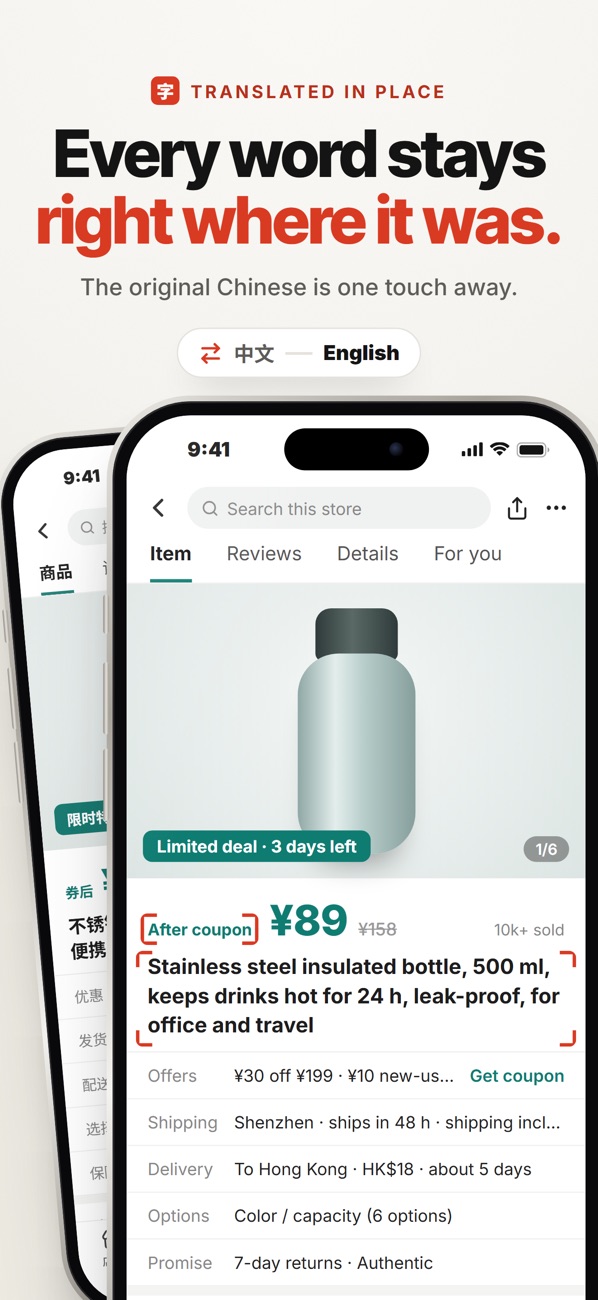
With Hanzi, on any WeChat screen (a group chat, a notice image or a mini program), tap once (the floating on-screen button, or Back Tap) and the whole screen comes back in English on top of the app. Your chats are processed on the phone and never uploaded.
- Open the chat, article or mini program.
- Tap the floating Hanzi button (or the back of your iPhone twice, if you set up Back Tap).
- Read everything at once, including text inside images.
Tips for building and work groups
- Pin the group and check it daily: notices about deliveries, repairs and payments arrive there first.
- Translate the images too: the important notice is often a poster, not a message.
Hanzi · read any WeChat screen in English with one tap, right on top of the app. On-device, nothing uploaded.