 Hanzi guides
How to use Meituan in English
Meituan is the app most people in China use for food delivery, groceries and local deals. It is built for Chinese users: restaurant names, menus, the little option pop-ups (spice level, size, add-ons) and messages from the rider are all in Chinese.
Where foreigners get stuck
- Menus: dish names, and the photos don't always match what arrives.
- Options pop-ups: spice level, portion size, rice or noodles, cutlery. Pick wrong and you get a very different dinner.
- Shop notices: minimum order, delivery fee and opening hours, often written inside a banner image.
- Address entry: building, unit and gate names in Chinese.
- Rider messages and calls: "I'm downstairs", "which gate?".
Translating a menu without leaving the app
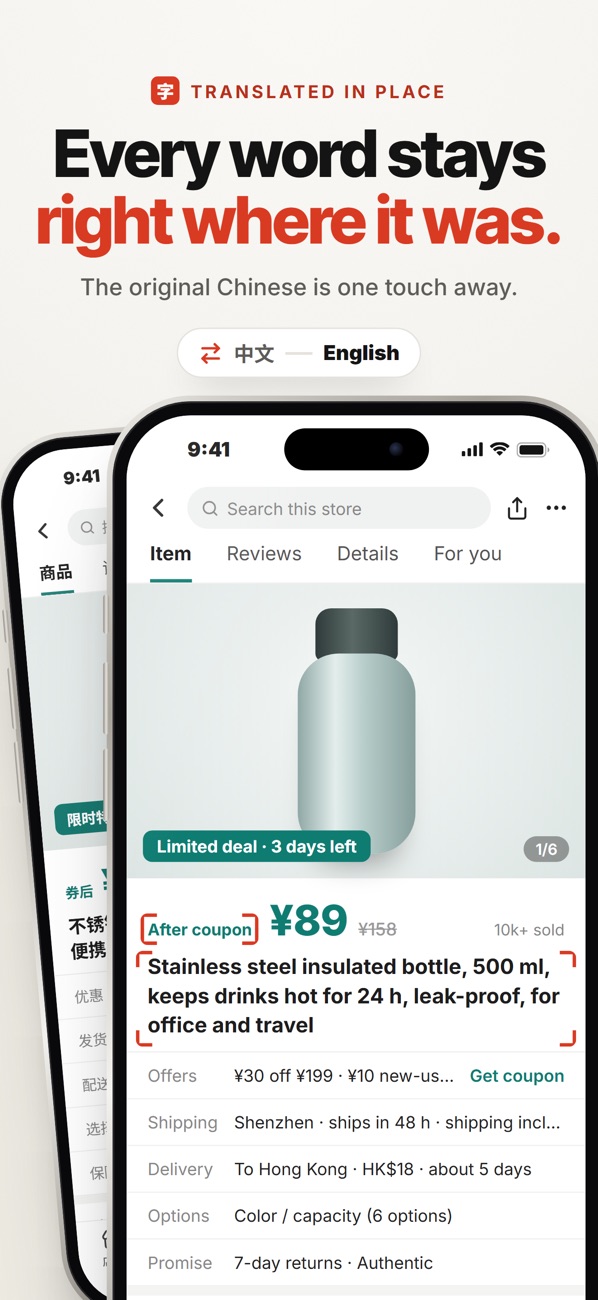
Copying every dish name into a translator is slow, and banner images can't be copied at all. With Hanzi you stay on the Meituan menu and tap once (the floating on-screen button, or Back Tap): the menu you're looking at comes back in English, on top of the app, including text inside pictures.
- Open the restaurant in Meituan.
- Tap the floating Hanzi button (or the back of your iPhone twice, if you set up Back Tap).
- Read the menu in English; scroll and tap again.
- Do the same on the options pop-up before you add a dish to the cart.
Hanzi · read any Meituan screen in English with one tap, right on top of the app. On-device, nothing uploaded.

Useful words to recognise
- 辣 / 微辣 / 不辣: spicy / mild / not spicy
- 大份 / 小份: large / small portion
- 起送: minimum order
- 配送费: delivery fee
- 餐具: cutlery (you can usually choose none)
Delivery tips
- Save your address once with the building and unit numbers exactly as written on the gate.
- Add a short note for the rider; translate their replies in place so you don't miss "I'm at the north gate".
- Check the shop's rating and recent reviews, translated, before a big order.
Hanzi · read any Meituan screen in English with one tap, right on top of the app. On-device, nothing uploaded.